If you want to delete your GnJoy account, follow these steps:
- Go to the GnJoy Americas website and log in.
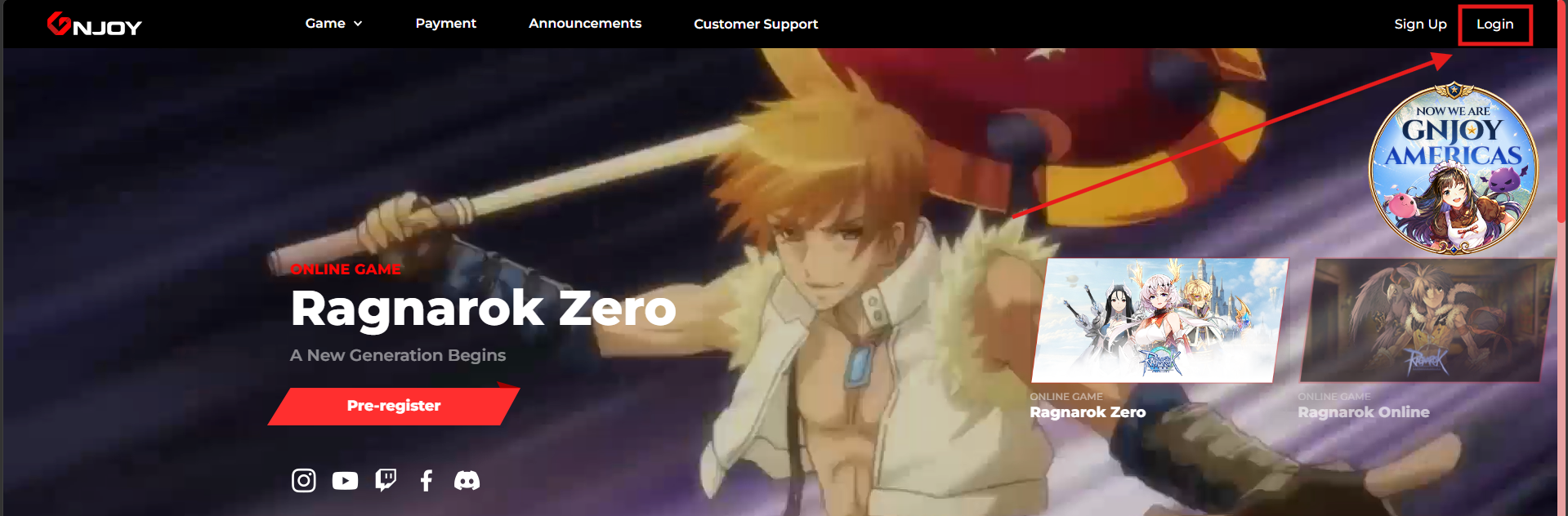
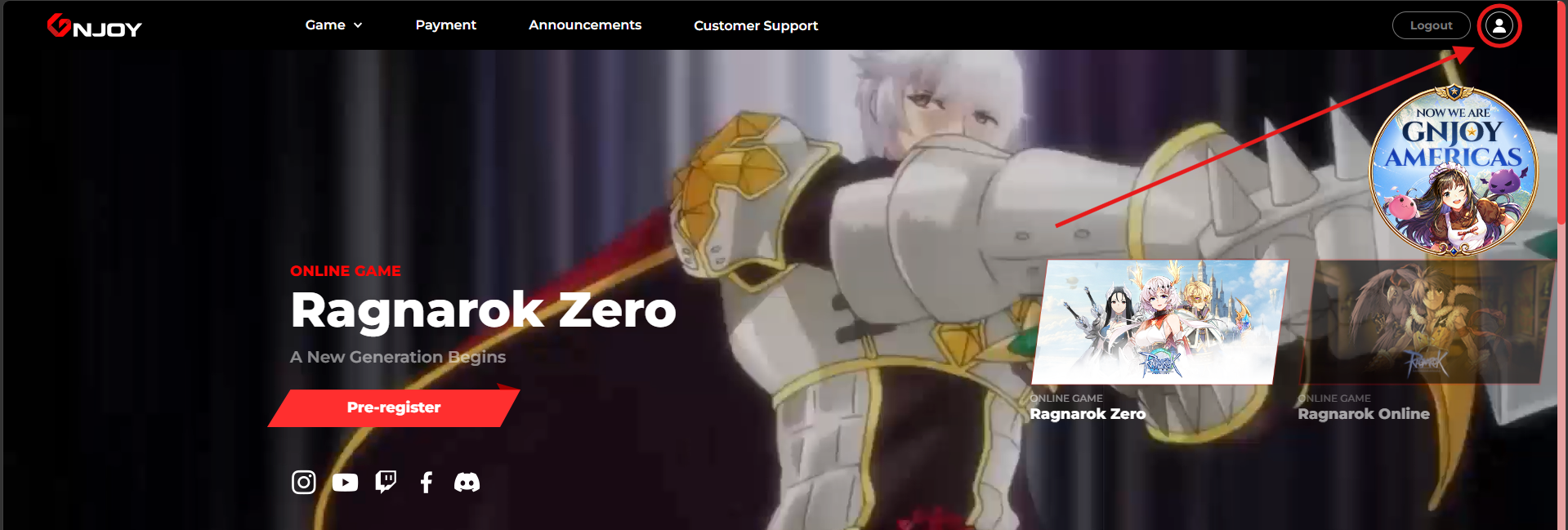
- After logging in, click on your profile.
- Scroll down the page and click on "Delete Account".

Important: deleting your GnJoy Americas' account will permanently delete all data you have on your Ragnarök Online Americas and Ragnarök Zero: Americas accounts.
Was this article helpful?
That’s Great!
Thank you for your feedback
Sorry! We couldn't be helpful
Thank you for your feedback
Feedback sent
We appreciate your effort and will try to fix the article